Price the library you play
Open your launcher’s storage view and add up the games you want available at the same time. Include expansions, mods, and recorded clips if they live on that drive. For games you plan to buy, use the publisher’s storage requirement as a rough allowance and leave room for updates. Also count Windows and your other apps if this will be your only drive.
If that list already takes most of a 1 TB drive, compare the cost of 2 TB with what you’d give up to stay at 1 TB. A faster drive at the smaller capacity can be a worse fit if you’re constantly uninstalling games to make space. If most of your games rotate in and out, adding a second drive later may make more sense than paying up front.
Check what your board accepts
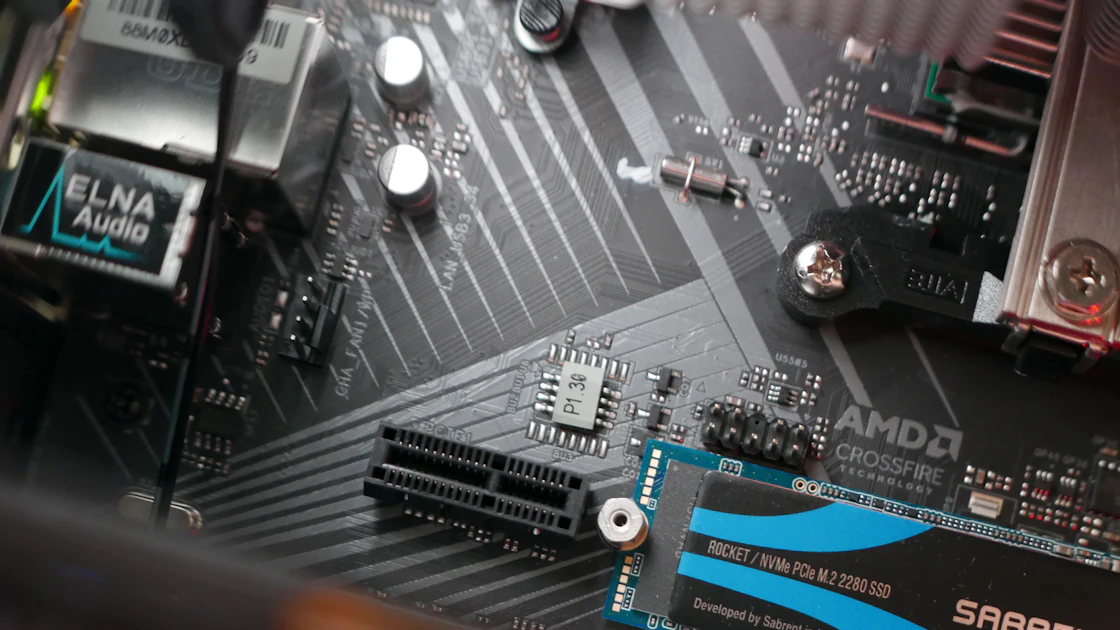
Open your exact motherboard or laptop manual and find the storage slot table. M.2 describes the drive’s shape. An M.2 slot might support PCIe NVMe drives, SATA drives, or both. Check the allowed length as well. A 2280 drive is 22 millimeters wide and 80 millimeters long, which may be too long for a compact machine.
On a desktop, the manual may note that occupying a certain slot disables a SATA port or shares PCIe lanes. Choose the slot with that in mind if you already have storage drives installed. A PCIe 4.0 NVMe drive can generally work in a compatible PCIe 3.0 NVMe slot at the older slot’s speed.
Pay for speed you can use
The headline read number usually describes sequential transfers under the maker’s test conditions. Loading a game can also involve reading smaller files and decompressing assets. If load time matters more than capacity, look for a measured loading test in the games you care about before paying for a higher PCIe generation. Long transfers for video or other work may justify a different pick from a drive that mostly stores games.
If you’re adding space, keep the existing Windows drive and move selected games instead of rebuilding the system. Steam lets you create another library and move installed titles from its Storage settings. Check that your saves are backed up before moving a library.